2026-06-18
Automate LinkedIn with OpenClaw: 4 B2B Sales Workflows
Automate LinkedIn with OpenClaw: 4 B2B sales workflows (enrichment, sequences, scheduling, engagement) with prompts, tools, and examples.
2026-06-18
Automate LinkedIn with OpenClaw: 4 B2B Sales Workflows
Automate LinkedIn with OpenClaw: 4 B2B sales workflows (enrichment, sequences, scheduling, engagement) with prompts, tools, and examples.
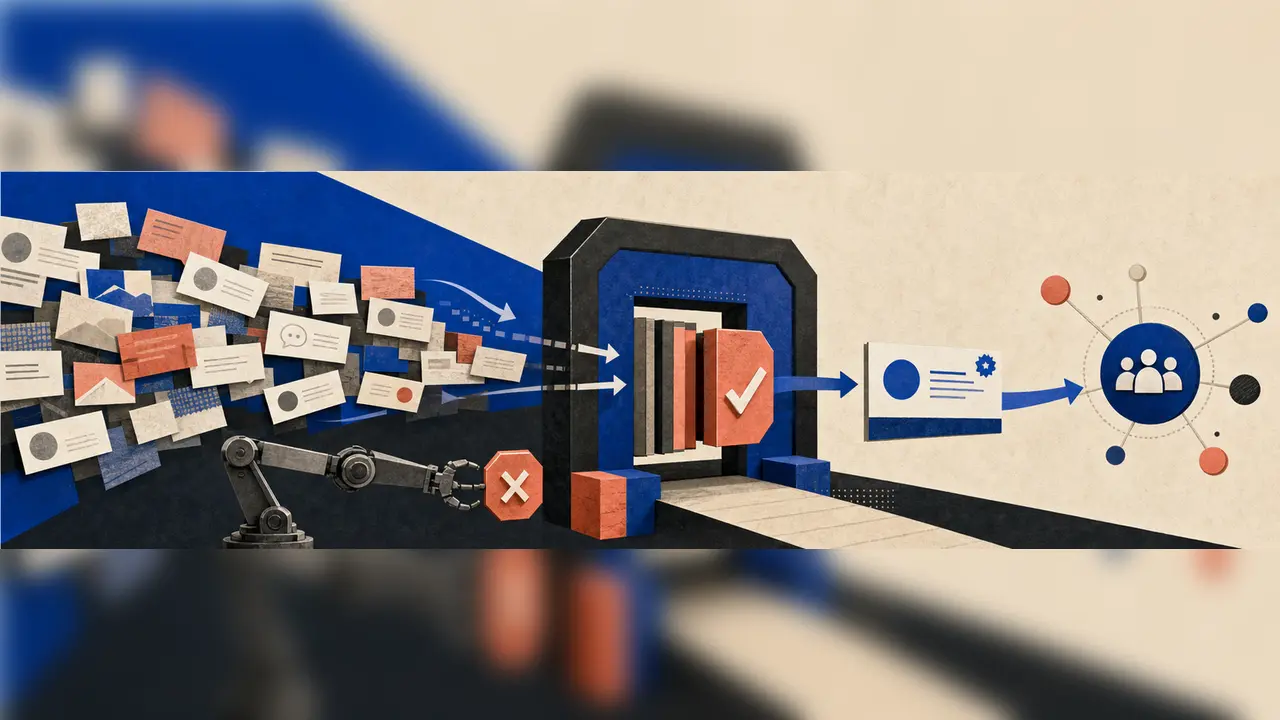
LinkedIn is the channel where the most expensive B2B relationships start, and the one where the most hours are spent on work that does not move the pipeline. Every B2B sales rep spends 4-6 hours a week on profile research, another 4-6 hours writing connection messages, another 2-3 hours drafting posts, and another 1-2 hours triaging notifications. That is 12-16 hours a week of work that is mostly mechanical — the kind of work that an agent can do without thinking, and that a human can review in minutes. The problem is that most "LinkedIn automation" tools are exactly the wrong shape: they auto-send connection requests and auto-DMs, which violates LinkedIn's User Agreement and gets accounts restricted. The right shape is an agent that drafts, classifies, and enriches — and a human who executes. In 2026, the agents are good enough to do this safely.
This guide walks through the four B2B sales workflows that ship the most value on LinkedIn, the prompts behind each one, the tools that wire them, and a workflow YAML you can run on a schedule and on demand. By the end, you have a sales workflow where the profile enrichment is instant, the connection sequences are drafted in your voice and waiting for your approval, the posts are scheduled with the best-time optimization, and the engagement digest lands in Slack before your standup.
This is one of the concrete examples of the 4-stage AI workflow pipeline. The shape is the same — trigger, plan, act, review — and the domain is the B2B social selling surface where every sales rep, every SDR manager, and every founder who is doing their own outbound already lives. It is the sibling of the customer-support pipeline and the Excel pipeline on the revenue surface, and the practical complement to the Airtable pipeline for the CRM sync that this guide is built to feed.
This article is for the B2B SDR whose pipeline is bottlenecked on research and drafting, the sales manager who wants the team to spend more time on calls and less on LinkedIn, the founder doing their own outbound who needs their week back, and the revenue ops manager who maintains the LinkedIn-to-CRM pipeline and is tired of being the integration layer.
Why LinkedIn is the right next agent rollout
Three reasons every B2B team we work with in 2026 puts LinkedIn at the top of the sales workflow automation list.
The pain is universal, visible, and paid for. Every B2B rep does 12-16 hours a week of LinkedIn work that is mostly mechanical. The work is real, the hours are billable, the alternative (a human at the keyboard for 16 hours) is the status quo. The team that cuts that to 4-6 hours without losing pipeline output has just doubled the rep's effective capacity. This is the highest-ROI sales surface an AI agent rollout can target.
The audience is the most valuable one for AI agent platforms. A B2B sales rep who reads a well-written LinkedIn automation guide is a sales rep who has budget for tools. A sales manager who finds the article on Google is a sales manager who is already evaluating. The GolemWorkers audience is the B2B sales org — founders, SDRs, sales managers, RevOps — and this article is the on-ramp for that audience.
The tool that automates LinkedIn badly is the tool that gets the team banned. This is the dark side of LinkedIn automation and the reason most tools are the wrong shape. LinkedIn's User Agreement explicitly forbids auto-sending connection requests, auto-DMs, and bulk scraping. The tools that do this get accounts restricted within weeks. The agent rollout that respects the boundary — agent drafts, human executes, every action is auditable — is the rollout that survives.
The risk is the same as any other agent rollout, multiplied: a banned LinkedIn account is a sales rep's livelihood. The way to ship this safely is the way we have been shipping every other agent in this series — start small, keep the human in the loop on every send, treat the agent as a draftsperson and never as an executor.
The 4 workflows, in order of ROI
We picked these four by combining the same three filters we use for every workflow in this series: routine (every B2B rep does them), high-leverage (the savings show up in the team's week), and tractable today (off-the-shelf tools can do them without a custom build). The order is roughly ROI, from highest to lowest, but you should still start with the one that hurts the most on your specific workflow.
The four:
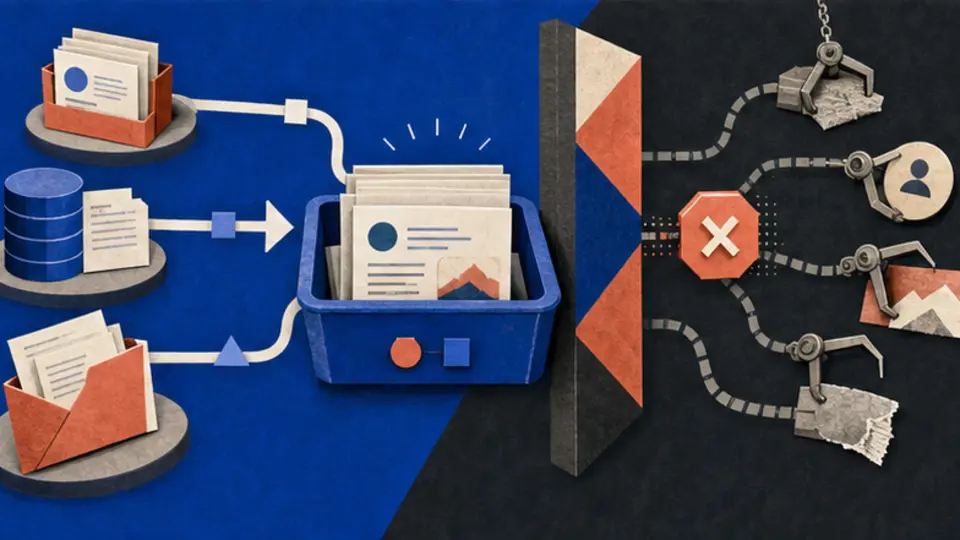
- Profile enrichment. Read every LinkedIn profile in your target list, classify seniority, function, industry, company size, intent signals, and recent activity, and push the enriched record to the CRM. The research that took 4 hours takes 4 minutes.
- Connection-sequence drafts. For every new lead in the pipeline, draft a personalized connection request, a 1st message after acceptance, and a 3-touch follow-up sequence — all in your voice. The rep opens the drafts, reviews, and clicks send. The drafting time drops from 6 hours to 30 minutes.
- Post scheduling. Draft a post in your voice, generate a carousel version for visual platforms, schedule it for the best-time window, and queue it for human review before publish. The rep's content cadence goes from 2 posts a week to 5 without losing the rep's voice.
- Engagement digest. Read every mention, comment, reaction, and DM in the last 24 hours, classify into signal vs noise, and post a daily digest to Slack. The rep catches up on every interaction in 2 minutes.
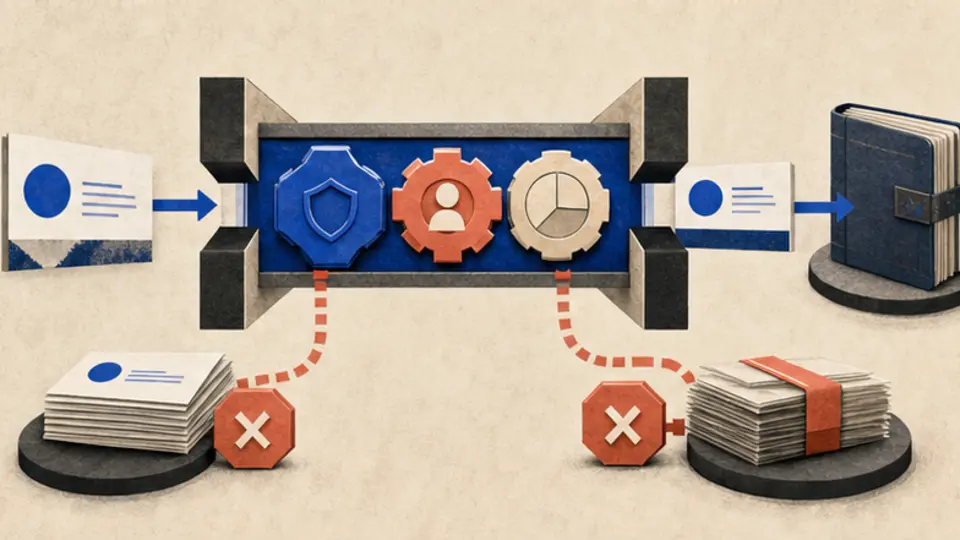
Each one is one OpenClaw agent. They run as a single workflow that lives next to your CRM. Let us walk through them.
Workflow 1: Profile enrichment
The profile enrichment agent is the one that turns "I have a list of 500 prospects and I do not know which ones to call first" into "every prospect is enriched, scored, and prioritised before the rep opens the list". It is the lowest-risk entry point and the foundation for everything else on this list.
The problem: Your SDR has a target account list of 500 companies. For each, they need to find the right person to reach out to, understand the person's seniority, function, and likely pain, and write that down before the call. The research takes 4-5 minutes per prospect. For 500 prospects, that is 33-40 hours of work — a full work-week — before the first call is made. The agent does the research in 4 minutes per prospect.
Inputs:
- The target list: company names or domains, plus any seed contacts
- The enrichment source: LinkedIn Sales Navigator API, Apollo, Clearbit, ZoomInfo — pick one, or combine
- The enrichment fields: seniority (C-suite, VP, Director, Manager, IC), function (Sales, Marketing, Engineering, Product, Ops, Finance), industry, company size, recent activity (post, job change, funding event), intent signals (job posting, tech stack, hiring spree)
- The CRM target: which CRM to push to, which fields to map
Agent prompt:
You are a LinkedIn profile enrichment steward. Read every profile in the input list. For each, produce an enriched record:
>
1. Read the profile (Sales Navigator API, Apollo, Clearbit, or a manual scrape with explicit consent).
>
2. Classify the person: - Seniority: C-suite (C-level), VP, Director, Manager, IC, Unknown - Function: Sales, Marketing, Engineering, Product, Ops, Finance, HR, Legal, Other - Industry: map to the team's canonical industry list (12-20 industries max) - Company size: Solo / 1-10 / 11-50 / 51-200 / 201-1000 / 1001-5000 / 5000+
>
3. Identify intent signals: - Recent post in the last 30 days (yes / no, topic, sentiment) - Job change in the last 90 days (yes / no, old title, new title) - Funding event in the last 90 days (yes / no, round, amount) - Job posting for roles that match the team's ICP (yes / no, role, urgency) - Tech stack matches the team's product (yes / no, stack)
>
4. Compute a lead score (0-100): - Seniority match: +20 if C-suite/VP/Director - Function match: +20 if matches ICP function - Company size match: +15 if in ICP range - Industry match: +15 if in ICP industries - Intent signal: +10 per signal, max +30
>
5. Generate a 1-line summary for the rep: "
is at , a company. ."
>
6. Push to CRM in the team's canonical schema. For profiles with insufficient data, flag
needs_research: trueand queue for human review.
>
7. Never store LinkedIn profile data in a way that violates LinkedIn's User Agreement. Cache in the workspace only for the duration of the enrichment run; do not scrape at scale; do not build a private LinkedIn database.
Tools the agent uses:
- LinkedIn Sales Navigator API (or Apollo, Clearbit, ZoomInfo — pick the one your team has)
- The workspace's ICP and lead-scoring rules (
icp.yaml) - The CRM API to push the enriched record (HubSpot, Salesforce, Pipedrive, Attio)
- A small
summary_writerthat produces the 1-line rep summary
Output: the CRM is enriched, every record has a lead score and a 1-line summary, and the rep opens the list in priority order.
What "good" looks like:
- Median time-to-enrich under 60 seconds per prospect
- 90%+ enrichment completeness (every field filled where the source data exists)
- Lead-score distribution that matches the team's win rate (top-scored leads close 3-5x more than bottom-scored)
- 0 LinkedIn ToS violations (no scraping at scale, no bulk actions, no account-flagging behaviour)
The trap to avoid: the enrichment that scrapes. The agent that pulls LinkedIn profiles by the thousand without using the official APIs gets the team's account restricted within weeks. The rule above — "use the official Sales Navigator API or a paid data provider, never scrape, never build a private LinkedIn database" — is the rule that keeps the team on the platform. An enrichment workflow that gets the rep's account banned is worse than no enrichment workflow.
Cost: roughly 2-5 cents per profile enriched. At 500 prospects in a target list, that is $10-25 one-time. The alternative (an SDR spending 33-40 hours researching) is the better part of a full work-week.
Workflow 2: Connection-sequence drafts
The connection-sequence drafts agent is the one that turns "I have 50 connection requests to send today and I do not have time to write 50 personal messages" into "the drafts are in my queue in 5 minutes, I review and click send". It is the highest-leverage workflow on this list because connection messages are the bottleneck on every B2B outbound motion.
The problem: Your SDR has 50 connection requests to send today. Each one needs a personalized first message that references something specific about the prospect. Writing 50 personal messages takes 4-6 hours. Sending a generic template is the alternative, and it converts at 1-2% vs 8-15% for personalized. The agent writes the drafts in your voice; the rep reviews and clicks send.
Inputs:
- The target list: enriched profiles from Workflow 1 (lead score > 50)
- The sequence template: 1 connection request (300 chars max), 1 1st message after acceptance, 3 follow-up touches (touch 2 at day 3, touch 3 at day 7, touch 4 at day 14)
- The voice samples: 5-10 examples of the rep's best-performing messages (so the agent writes in their voice, not a generic tone)
- The review policy: every draft goes to a human review queue before send
Agent prompt:
You are a LinkedIn outbound copywriter. Read the prospect's enriched profile and the rep's voice samples. Draft a connection sequence:
>
1. Connection request (max 300 characters). The hook: one specific reference to the prospect (recent post, job change, company milestone, industry trend) plus one short reason for connecting. No pitch. No ask. - Example: "Hi
, saw your post on — your point on matches what we're seeing with . Would love to connect."
>
2. 1st message after acceptance (sent 24 hours after acceptance). The value: a 2-3 sentence observation about the prospect's world, plus a soft offer to share something relevant (a benchmark, a case study, a useful framework). No ask for a meeting yet. - Example: "Thanks for connecting,
. Most at companies are wrestling with . We wrote up how cut by — happy to share if useful."
>
3. Touch 2 (day 3). Add new value: a different angle on the same pain, or a related insight. No "just bumping this up" filler.
>
4. Touch 3 (day 7). Social proof: a relevant case study, a customer quote, a benchmark. No ask yet.
>
5. Touch 4 (day 14). The breakup email: a graceful close, an open door, no pressure. "If the timing isn't right, no worries — happy to stay in touch."
>
Voice rules: - Match the rep's voice from the samples (tone, sentence length, punctuation habits) - Never use the phrase "I wanted to reach out" or any other generic opener - Never use more than one emoji per message - Never use exclamation marks in the connection request - Never use the word "just" as a filler - Always include one specific detail that proves you read the profile
>
Critical: Output the drafts as JSON. Do NOT send anything. The rep opens the queue, reviews each draft, edits if needed, and clicks send manually.
Tools the agent uses:
- The enriched profiles from Workflow 1
- The workspace's sequence template (
sequence_template.yaml) - The rep's voice samples (loaded into context)
- A draft queue UI in Slack or the CRM (the rep reviews and clicks send)
Output: a queue of drafts, one per prospect, in the rep's voice, ready for review. The rep reviews each one (typically 30-60 seconds per draft) and clicks send.
What "good" looks like:
- Drafting time drops from 4-6 hours to 30 minutes (the review step is the only human time)
- Acceptance rate on connection requests is 35-50% (vs 15-25% for templates)
- Reply rate on 1st message is 25-40% (vs 5-10% for templates)
- 0 LinkedIn ToS violations (no auto-send, every message is human-approved before send)
The trap to avoid: the agent that sounds like a robot. The drafts that read like a generic AI (perfect grammar, no contractions, formal tone) get ignored. The rule above — "match the rep's voice from the samples" — is the rule that keeps the drafts in voice. The rep who reads a draft and thinks "yes, this sounds like me" is the rep who clicks send.
Cost: roughly 5-10 cents per prospect in the sequence. At 50 prospects a day, that is $2.50-5 a day, or $50-100 a month. The alternative (an SDR spending 4-6 hours writing 50 messages) is the better part of a work-day, every day.
Workflow 3: Post scheduling
The post scheduling agent is the one that turns "I should be posting more but I do not have time" into "the posts are drafted, scheduled, and in my voice, and I review once a week". It is the highest-cadence workflow on this list because B2B buyers reward consistent posting.
The problem: Your SDR wants to post 3-5 times a week. Writing a post takes 30-60 minutes. By the end of the week, the rep has posted twice and feels bad about it. The rep's LinkedIn presence is one of the top 3 signals a B2B buyer checks before booking a call — and the rep's presence is inconsistent. The agent drafts 5 posts a week in the rep's voice; the rep reviews on Monday morning and clicks approve.
Inputs:
- The rep's voice samples: 10-15 of the rep's best-performing posts
- The content pillars: 3-5 topics the rep wants to own (e.g. "sales leadership", "B2B pipeline", "founder lessons", "AI for sales")
- The week's news or themes: 2-3 hooks per week (industry trends, product launches, customer wins, recent posts the rep commented on)
- The cadence: 3-5 posts a week
- The schedule window: the rep's best-time slots (e.g. Tue 9am, Thu 12pm, Sun 5pm)
Agent prompt:
You are a LinkedIn content writer for the rep. Read the rep's voice samples, the content pillars, and this week's hooks. Draft 5 posts for the week:
>
1. For each post, write in the rep's voice: - Match tone, sentence length, line breaks, emoji usage - Open with a hook (a contrarian take, a number, a question, a story beat) - Build the body in short paragraphs (1-3 sentences each) - Close with a takeaway or a question (no "what do you think?" — that's wallpaper) - Keep length between 800-1500 characters (LinkedIn's sweet spot)
>
2. Rotate through the content pillars — do not post 5 posts on the same topic.
>
3. For each post, suggest: - The 3-5 hashtags (mix of broad and niche) - The image or carousel (if any) — generate a 1-line image prompt - The best-time slot (from the rep's cadence)
>
4. Format the output as a JSON array of 5 posts. Each post is
{pillar, hook, body, hashtags, image_prompt, schedule_slot}.
>
5. Never use these phrases (they are AI-tells): "In today's fast-paced world", "Let's dive in", "Here's the thing", "At the end of the day", "It is what it is", "Game-changer", "Unlock your potential".
>
6. Never fabricate statistics or quotes. If the post needs a number, source it from the workspace's fact-check file or flag it for the rep to verify.
>
7. Output to the rep's review queue. Do not publish.
Tools the agent uses:
- The rep's voice samples (loaded into context)
- The workspace's content pillars and hooks (
content_pillars.yaml,weekly_hooks.yaml) - A draft queue UI (Notion, Slack, or a custom UI in OpenClaw)
- The image generation tool (when the rep approves a carousel version)
Output: 5 posts in the rep's voice, with hashtags, image prompts, and schedule slots, queued for Monday morning review. The rep reviews in 15 minutes, edits if needed, clicks approve. The posts publish on schedule via an approved LinkedIn partner scheduler.
What "good" looks like:
- Drafting time drops from 30-60 minutes per post to 15 minutes per week of review
- Post cadence goes from 2/week to 5/week without losing voice
- Engagement rate (impressions / reactions / comments) stays consistent or improves
- 0 LinkedIn ToS violations (every post is human-approved before publish, every publish goes through an approved partner scheduler)
The trap to avoid: the post that sounds like AI. The draft that opens with "In today's fast-paced world" or closes with "what do you think?" is the post the rep's audience recognises as AI and scrolls past. The rule above — "match the rep's voice from the samples, never use the listed AI-tells" — is the rule that keeps the posts in voice. The rep who reads a draft and thinks "yes, this is me" is the rep who approves it.
Cost: roughly 10-20 cents per post. At 5 posts a week, that is $2-4 a week, or $8-16 a month. The alternative (an SDR writing 5 posts from scratch) is 3-5 hours a week.
Workflow 4: Engagement digest
The engagement digest agent is the one that turns "I have 200 LinkedIn notifications and I cannot keep up" into "I read the digest in 2 minutes and I know who matters". It is the highest-volume workflow on this list because B2B reps get 100-300 LinkedIn notifications a day and 95% are noise.
The problem: Your SDR has 200 LinkedIn notifications a day. 180 are connection requests from random people, 10 are reactions to their posts, 8 are comments, 2 are DMs from prospects. The rep cannot read all of them. The rep misses the 2 DMs from prospects. The agent reads them all and posts a digest.
Inputs:
- The rep's notification feed (via the LinkedIn API or a manual export)
- The classification taxonomy: signal (DM from prospect, comment from ICP, reaction from ICP) vs noise (random connection request, reaction from non-ICP, job alert)
- The digest cadence: daily, hourly, or real-time
- The post target: Slack DM to the rep, or a daily email
Agent prompt:
You are a LinkedIn engagement digest writer. Read every notification from the last 24 hours. Produce a digest that fits in a single Slack DM (max 2,000 characters):
>
1. Classify each notification: -
dm_prospect— DM from someone in the rep's ICP (high priority) -comment_icp— comment on a post from someone in the rep's ICP -reaction_icp— reaction on a post from someone in the rep's ICP -comment_other— comment from a non-ICP connection -reaction_other— reaction from a non-ICP connection -connection_request— new connection request -noise— job alert, birthday, work anniversary, suggested post
>
2. Group by priority: - Priority 1: DMs from prospects (the rep must reply within 4 hours) - Priority 2: Comments from ICP on the rep's posts (the rep must engage within 24 hours) - Priority 3: Reactions from ICP on the rep's posts (nice to engage, not required) - Priority 4: Connection requests from ICP (review and accept if relevant) - Skip: everything else
>
3. For each priority item, include: the person's name, title, company, the message or comment text, and a deep link to the conversation.
>
4. Lead with priority 1 (max 5). If no priority 1, lead with priority 2 (max 5). Include one-line "recommended action" per item: "Reply with X", "Comment with Y", "Accept connection".
>
5. Append a one-line summary: "23 signals today (2 P1 DMs, 8 P2 ICP comments, 13 P3 reactions)".
Tools the agent uses:
- The LinkedIn API (or the rep's manual export)
- The workspace's ICP filter (
icp.yaml) - The Slack API to DM the digest to the rep
- A small
signal_detectorthat classifies by ICP match
Output: a daily Slack DM with the prioritised engagement items, the recommended actions, and the deep links. The rep reads it in 2 minutes and replies to the priority items.
What "good" looks like:
- Median time-to-reply on prospect DMs drops from 24 hours to 4 hours
- Reply rate on prospect DMs is 100% (vs 30-50% with manual triage)
- The rep spends 2 minutes a day on the digest (vs 1-2 hours on manual notification triage)
- The rep never misses a DM from a prospect
The trap to avoid: the digest that buries the priority. The agent that orders by timestamp and the priority 1 DMs are at the bottom is the digest the rep ignores. The rule above — "lead with priority 1, then priority 2, recommended action per item" — is the rule that keeps the digest useful. A digest that leads with priority 1 drives action. A digest that leads with timestamps drives nothing.
Cost: roughly 3-5 cents per digest. At one digest a day, that is $1-1.50 a month. This is one of the cheapest workflows on this list.
The whole pipeline, end-to-end
Let us put all four agents in one OpenClaw workflow so it runs on a schedule and on demand.
# /root/.openclaw/workflows/linkedin-b2b-pipeline.yaml
name: linkedin-b2b-pipeline
trigger:
kind: schedule
cron: "0 7 * * 1-5" # weekdays 7am, before the rep starts their day
secrets:
- LINKEDIN_SALES_NAVIGATOR_API_KEY
- APOLLO_API_KEY # optional, for enrichment
- CLEARBIT_API_KEY # optional, for enrichment
- HUBSPOT_API_KEY # or your CRM of choice
- SLACK_BOT_TOKEN
- OPENAI_API_KEY
- ANTHROPIC_API_KEY
steps:
- id: profile-enrichment
agent: linkedin-enrichment-steward
trigger:
kind: webhook
source: crm
events:
- lead.created
input:
leads: "{{event.leads}}"
icp: icp.yaml
output: enrichment_diff.json
on_hold_for_human_review: false
- id: connection-sequence
agent: linkedin-outbound-copywriter
trigger:
kind: schedule
cron: "0 8 * * 1-5"
input:
target_prospects: "{{lookup_priority_leads(50)}}"
voice_samples: voice_samples/
sequence_template: sequence_template.yaml
output: draft_queue.json
on_hold_for_human_review: true # ALWAYS — human sends
- id: post-scheduling
agent: linkedin-content-writer
trigger:
kind: schedule
cron: "0 9 * * 1" # Monday 9am, draft the week's posts
input:
voice_samples: voice_samples/
content_pillars: content_pillars.yaml
weekly_hooks: weekly_hooks.yaml
output: weekly_posts.json
on_hold_for_human_review: true # rep approves before publish
- id: engagement-digest
agent: linkedin-engagement-digest-writer
trigger:
kind: schedule
cron: "0 18 * * 1-5" # weekdays 6pm, end of rep's day
input:
notifications: "{{fetch_notifications(24h)}}"
icp: icp.yaml
output: digest.md
notify:
channel: slack
target: "@rep"
- id: notify
kind: notify
needs: [profile-enrichment, connection-sequence, post-scheduling, engagement-digest]
channel: slack
target: "#sales-ops"
message: |
LinkedIn pipeline update:
- Profiles enriched: {{steps.profile-enrichment.count}}
- Drafts queued: {{steps.connection-sequence.count}}
- Posts drafted: {{steps.post-scheduling.count}}
- Digest signals: {{steps.engagement-digest.priority_1}} P1 / {{steps.engagement-digest.priority_2}} P2
This is the whole pipeline. One YAML, four agents, four schedule triggers, Slack notifications on two channels, and three of the four workflows holding for human review before any action is taken. The pattern is the same as the GitHub pipeline, the Airtable pipeline, and the Discord pipeline — bounded agents, inspectable diffs, human-in-the-loop on every high-stakes action.
Cost and ROI: what this actually looks like
The per-run economics, assuming a single SDR with 50 connection requests a day, 5 posts a week, and a target list of 500 prospects:
| Workflow | Cost per run | Runs per month | Monthly cost |
|---|---|---|---|
| Profile enrichment | $0.04 per profile | 500 prospects (one-time) | $20 (amortised) |
| Connection sequence | $0.08 per prospect | 1,100 prospects (22 days × 50) | $88 |
| Post scheduling | $0.15 per post | 20 posts (5/week) | $3 |
| Engagement digest | $0.04 | 22 (weekdays) | $0.88 |
| Total | ~$112/month |
For an SDR at this scale, the alternative is 12-16 hours a week of LinkedIn work that is mostly mechanical. Fully loaded at B2B SDR rates ($5,000-7,000/month base + variable), that is $2,000-3,000 a month in rep time spent on non-selling work. The four workflows pay for themselves in week one, and they free up 8-12 hours a week for actual selling.
For a sales team of 5 SDRs, the cost scales to $400-500 a month. The savings scale to $10,000-15,000 a month in rep time. For a sales org of 20 SDRs, the cost is $2,000-2,500 a month, and the savings are $40,000-60,000 a month.
The numbers scale linearly because the agent's cost is per-action, not per-rep. The agent does not need a license for each rep; one OpenClaw workflow serves the whole team.
What can go wrong
A few real failure modes, in order of how often they bite.
The agent gets the team's account banned. The enrichment agent pulls profiles via scraping instead of the Sales Navigator API. The connection agent auto-sends drafts without human approval. The rep wakes up to a "Your account has been restricted" email. Fix: the rule — "use the official APIs, never scrape, never auto-send, every action is human-approved" — is enforced at the workflow level, not the prompt level. The agent does not have the credentials to send without human review.
The drafts sound like AI. The connection messages all open with "I wanted to reach out" and close with "what do you think?". The acceptance rate drops to 2%. Fix: the rule — "match the rep's voice from the samples, never use the listed AI-tells" — is enforced. The rep reviews every draft and rejects any draft that does not sound like them.
The posts sound like AI. The same AI-tells appear in the posts. The rep's audience recognises the voice as AI. Engagement drops. Fix: the rule — "match the rep's voice from the samples, never use the listed AI-tells" — is enforced. The rep reviews every post and rejects any post that does not sound like them.
The engagement digest buries the priority. The agent orders by timestamp and the priority 1 DMs are at the bottom. The rep misses a prospect. Fix: the rule — "lead with priority 1 DMs, then priority 2 ICP comments, recommended action per item" — is enforced. A digest that leads with priority drives action.
The enrichment violates privacy regulations. The agent stores LinkedIn profile data in a way that violates GDPR or CCPA. The team gets a compliance ticket. Fix: the rule — "cache only for the duration of the enrichment run, never scrape at scale, never build a private LinkedIn database" — is enforced. The CRM is the system of record; the workspace is the temporary cache.
The pattern across all of these: the agent is a tool, not a replacement. The team is the one that decides when the tool is misbehaving and fixes the prompt, the threshold, or the policy. On LinkedIn, the cost of misbehaving is the rep's account — which is why every workflow holds for human review.
How to roll this out on your team
A pragmatic, two-week rollout. Designed to ship value every day and to stop at any point if the value is not there.
Days 1-3 — Profile enrichment only. Wire the agent to one CRM (HubSpot, Salesforce, Pipedrive) and one enrichment source (Sales Navigator, Apollo, Clearbit). Let it run on new leads. Review the enriched records. Tune the ICP and lead-scoring rules. Goal: 90%+ enrichment completeness, lead-score distribution matches the team's win rate by day 3.
Days 4-7 — Add connection-sequence drafts. Wire the agent to the rep's voice samples and the sequence template. Let it draft 10 sequences a day. The rep reviews and clicks send. Track acceptance rate and reply rate. Goal: acceptance rate 35%+, reply rate 25%+ by day 7.
Days 8-10 — Add post scheduling. Wire the agent to the content pillars and weekly hooks. Let it draft 5 posts a week. The rep reviews on Monday and clicks approve. Track engagement rate. Goal: 5 posts/week at consistent engagement by day 10.
Days 11-14 — Add engagement digest. Wire the agent to the rep's notifications. Let it post a daily Slack DM. The rep reads it in 2 minutes. Track reply rate on prospect DMs. Goal: 100% reply rate on prospect DMs within 4 hours by day 14.
At the end of two weeks, all four workflows are live, calibrated to your rep, and measured. The rep has 8-12 hours a week back for actual selling. The pipeline velocity improves because the rep is doing more calls and fewer drafts.
If you only have budget for one workflow, ship profile enrichment. It is the cheapest, the safest, and the foundation that everything else builds on.
The bigger picture: this is what B2B sales workflow automation looks like
The reason this guide exists is not to teach you how to automate LinkedIn. The reason is to show you what an OpenClaw multi-agent pipeline looks like in practice on the B2B sales surface, with the specific constraints that make LinkedIn unique: every action is human-approved, every API call respects the User Agreement, every draft is auditable.
Every step in this guide is a bounded, replaceable agent. You can swap the enrichment source from Apollo to Clearbit by changing the integration. You can swap the CRM from HubSpot to Pipedrive by changing the API call. You can add a fifth agent — a "meeting prep brief" agent that generates a 1-page brief on every meeting the rep has tomorrow — by writing one more step in the DAG.
The same shape applies to:
- A customer-support pipeline. Triage → draft → escalation → sentiment.
- An Excel operations pipeline. Formula → cleanup → report → dashboard.
- An Airtable ops pipeline. Import → cleanup → sync → digest.
- A GitHub dev pipeline. Triage → review → changelog → release notes.
- A Discord community pipeline. Moderation → FAQ → digest → onboarding.
If the workflow has more than two steps and more than one tool, OpenClaw is the right substrate. LinkedIn is the cleanest B2B sales example, with the specific constraint that every action is human-approved. The pattern is the thing.
FAQ
What is the best AI agent for LinkedIn in 2026? For the full four-workflow pipeline, OpenClaw with the LinkedIn Sales Navigator API and a CRM wired in is the cleanest off-the-shelf option. For one workflow (e.g. enrichment), a dedicated tool like Apollo, Clearbit, or ZoomInfo may be enough. For post scheduling only, a tool like Buffer, Hootsuite, or Taplio may be enough. The pipeline is the value; no single tool does the whole thing alone.
Can AI send LinkedIn connection requests automatically? No, not without risking account restriction. LinkedIn's User Agreement forbids auto-sending connection requests and auto-DMs. The right shape is an agent that drafts and a human that sends. The rep reviews each draft (typically 30-60 seconds per draft) and clicks send manually. This is the only safe pattern in 2026.
Is there an AI agent that writes LinkedIn messages in your voice? Yes. OpenClaw, Taplio, and several dedicated tools can read the rep's voice samples and draft personalized messages. The trade-off vs a dedicated tool is that OpenClaw gives you the full pipeline (enrichment → sequences → posts → digest) in one workflow, while a dedicated tool gives you one workflow and assumes you will wire the rest yourself.
How much does it cost to automate LinkedIn with AI? The four-workflow pipeline above costs roughly $112/month for a single SDR at $50-100/month in agent costs. For a team of 5 SDRs, the cost scales to $400-500/month. For a team of 20 SDRs, the cost is $2,000-2,500/month. The alternative is 12-16 hours/week of non-selling work per rep, which is $2,000-3,000/month per rep in rep time.
Can I use this without OpenClaw? Yes, but it is more work. The four workflows can be wired with the LinkedIn Sales Navigator API plus a Python or Node service, plus a CRM integration. The shape is the same. OpenClaw is the substrate that gives you the schedule trigger, the secret store, the budget, the retries, and the dashboard in one place. The other tools give you the building blocks and assume you will wire the substrate yourself.
Will AI replace the SDR? No. The SDR is the person who decides who to reach out to, what to say, when to follow up, and when to take the conversation off LinkedIn. The agent is the person who does the research, the drafting, the scheduling, and the digesting. The two are complementary. The SDR becomes more valuable, not less, because their leverage per hour goes up by 3-5x. The agent is the junior copywriter the SDR has always wanted; the SDR is the editor the agent's output needs.
What about LinkedIn AI, the built-in feature? LinkedIn AI is a feature inside LinkedIn. It is good at one-shot tasks (rewrite my profile, suggest a post). It is not a workflow tool. It does not run on a schedule, does not pull from a CRM, does not draft personalized sequences at scale, does not produce a daily digest. The four workflows above all require an external agent; LinkedIn AI is the wrong tool for them.
Can the agent handle multiple reps at once? Yes, with one config per rep (voice samples, content pillars, ICP) and a small dispatch step in the workflow. The agent takes the rep as input and produces drafts in the right voice. Most teams start with one rep and roll out to the team after the first rep's cadence is proven.
What is the difference between an AI agent and a LinkedIn automation tool? A LinkedIn automation tool (Phantombuster, LinkedHelper, Zopto) auto-sends connection requests and auto-DMs — which violates LinkedIn's User Agreement and risks account restriction. An agent drafts and a human sends. The two are at different levels of safety. The tool that violates ToS is the tool that gets the team banned. The agent that respects the boundary is the agent that survives.
How long does it take to ship the first LinkedIn workflow? A half-day for profile enrichment on one CRM and one enrichment source. A full day for the first connection-sequence drafts for one rep. A half-day for the first week's posts. A half-day for the first engagement digest. Two days for all four live, calibrated, and measured.
Will this work for personal LinkedIn profiles, not just Sales Navigator? Yes, with care. Personal LinkedIn profile data is harder to access via the official APIs; the agent may need to rely on the rep's own profile data and on data the rep explicitly exports. The ToS rules apply even more strictly — the rep must never share credentials with the agent. For personal profiles, the connection-sequence and engagement-digest workflows are the highest-leverage starting point.
Try it on GolemWorkers
The four agents in this guide, plus the workflow YAML, are available as a one-click template on GolemWorkers. The hosted version wires the LinkedIn Sales Navigator API, the CRM, and the Slack channel, and gives you a dashboard tab for the B2B sales pipeline. The self-hosted version is the same code, run on your machine. The link is in the description.
If you have a specific motion (outbound SDR, inbound BDR, founder-led sales, RevOps at scale) and a specific team size (1 rep / 5 reps / 20 reps), the template adapts. The pipeline is a graph, not a monolith. Bring your own voice samples. Bring your own ICP. The four agents are the value.