2026-06-24
Vibe Coding With OpenClaw: Keep the Vibe, Demand Receipts
Use OpenClaw for fast coding loops without losing control: bound one change, retain baseline, patch, and proof receipts, and stop before external effects.
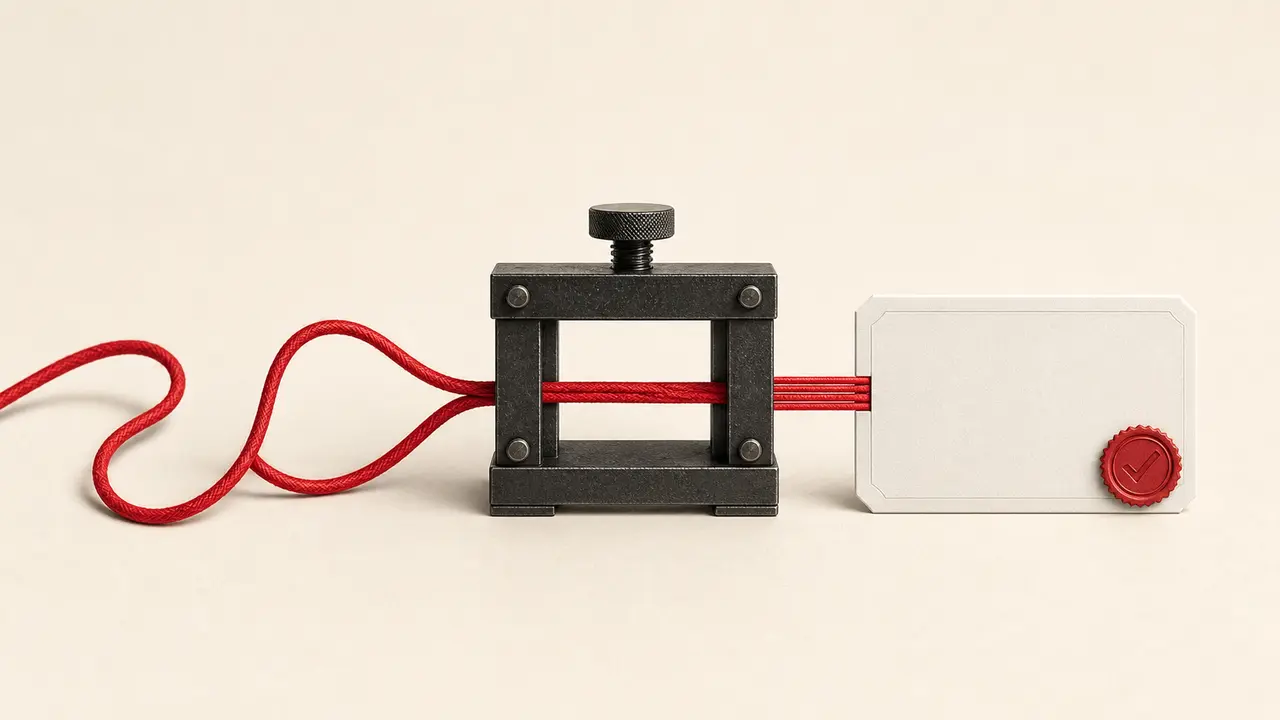
A fluent coding conversation can hide an expensive fact: the agent is not merely suggesting code; it may be holding a shell, a writable workspace, a browser, and whatever authority those surfaces inherit. The pleasant part of vibe coding is the short distance from an idea to something you can touch. The dangerous part is letting that feeling erase the boundary between a chat reply and a software change you can explain, test, and undo.
With OpenClaw, keep the conversational speed. Change the definition of “done.” One loop should end with three receipts tied to one repository state: where the run started, what patch it produced, and what evidence was observed against that exact patch. If one of those receipts is missing, do not add another prompt. Stop and repair the evidence chain first.
The seductive error is an unpriced change
“Make this nicer” looks harmless. It does not say whether “this” is one component, the design system, the package graph, or the deployment. The number of words in the prompt tells you almost nothing about the authority being granted. Paths and side effects do.
OpenClaw’s current exec documentation is unusually plain about the boundary: exec is a mutating shell surface. It can create, edit, or delete wherever the selected host or sandbox permits. The workspace documentation adds the second half of the warning. The workspace is the default current directory, not a hard sandbox. A friendly working directory and a friendly model do not themselves confine a command.
This does not make OpenClaw a bad fit for coding. It makes the first engineering decision more concrete: choose the smallest authority that can produce the next observable result. A copy change may need two files and a browser. It does not need secrets, a production database, a package upgrade, or a deploy token. Write those absences down.
The first prompt should price the change: which outcome, which paths, which checks, and which effects are forbidden.
Requirements the request must price
A beginner does not need to specify every implementation detail. The agent is useful precisely because it can inspect the existing code and choose a fitting implementation. But the request must name facts that the repository and browser can later answer.
In this repository, fix the reading-list card on small screens.

Outcome:
- At 390px, the title and Add button stay inside the card.
- Invalid URLs show an inline error and are not saved.

Allowed paths:
- src/ReadingList.tsx
- src/reading-list.css
- src/ReadingList.test.tsx, if a focused regression test is needed

Do not:
- change dependencies, storage format, routes, CI, or deployment
- read secrets or use a real account

Before editing, record repository status and the known-good focused check.
After editing, return changed paths, a diff summary, exact exit codes,
desktop and 390px browser observations, and anything not verified.
The implementation remains open. The evidence does not. The agent can change grid rules, wrapping, validation placement, or test structure, provided it stays inside the named boundary. The operator has also made a useful promise: a necessary test file is allowed. In the retained drill, an unlisted test file correctly counted as path drift. “Tests are good” is not a magic exemption from scope; add the path and keep the change reviewable.
Three receipts, one patch
The receipts are not three independent summaries. They form a chain. The baseline identifies the state being changed. The patch identifies the proposed delta. The proof identifies what was actually checked against that delta. If the agent edits after testing, the chain is broken and the last receipt belongs to an older patch.
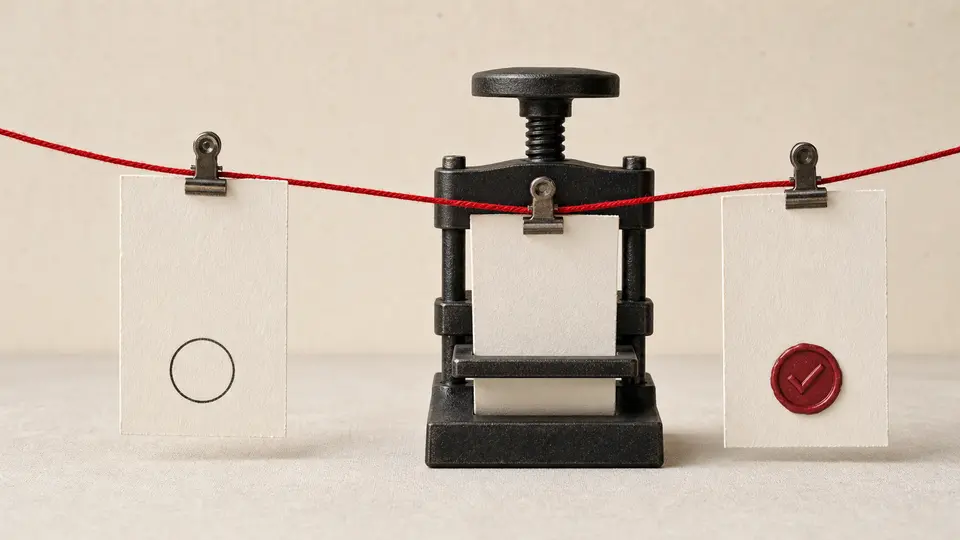
The baseline receipt
Record the branch or commit, concise repository status, the command that already passes, and any pre-existing failures. A clean tree is convenient, not mandatory. What matters is attribution. If another person’s changes are already present, identify or separate them before the agent edits the same area.
This is where many fast demos become unrecoverable. A final test can pass while the diff contains unrelated work that existed before the prompt. The operator knows the screen looks better but cannot say which lines caused it or which files are safe to revert. A dirty baseline is not automatically a blocker; an unknown baseline is.
The patch receipt
Keep the changed-path list, a compact diff summary, and a digest or commit identity for the reviewed patch. Read the file list before the prose. A mobile card fix that touches a deployment workflow needs an explanation even if every test is green.
Git’s official status documentation exposes short and porcelain forms for index, worktree, untracked, ignored, rename, and conflict state. Use a stable form when a tool consumes the output. The point is not to fetishize a command; it is to prevent “I only changed the component” from outranking the repository’s own account.
The proof receipt
Retain the exact command, exit code, and relevant observation. “Tests passed” is thinner than it sounds. Which tests? Against which patch? Did the runner skip? Was the browser opened? What did the mobile viewport show? Which check could not run?
| Receipt | Minimum useful content | Question it answers | What it cannot prove |
|---|---|---|---|
| Baseline | Branch/commit, concise status, known-good command, existing failures. | What state did the agent receive? | That the requested change is correct. |
| Patch | Changed paths, diff summary, stable patch identity. | What exact delta is being reviewed? | That the program behaves correctly. |
| Command proof | Command, exit code, test counts, skips, relevant warnings. | What executable checks completed? | That the rendered experience is usable. |
| Browser proof | URL, viewport, state exercised, console/network failures, observed result. | What did a rendered user path do? | That unvisited paths or production integrations work. |
| Unknowns | Checks not run and why, plus the consequence. | Where does confidence stop? | Anything beyond the declared boundary. |
The 24 handoffs were more useful than one perfect prompt
I encoded a small admission contract and altered one fact at a time. Six current source pages supplied 24 claim anchors. A second set of 24 handoff records exercised the boundary: known baseline, clean attribution, allowed paths, reviewed plan when needed, patch identity, diff summary, lint and unit results, desktop and mobile observations, declared unknowns, and forbidden effects.
All 24 fixtures returned their declared result. Four complete packets admitted another loop. Twenty stopped for a specific reason: missing baseline, pre-existing drift, path escape, missing patch identity, absent summary, incomplete or failed verification, unrecorded unknowns, an unreviewed dependency plan, or a forbidden external effect.
Two holds were especially instructive. First, adding src/ReadingList.test.tsx was blocked when the prompt allowed only the component and stylesheet. The fix was not to weaken the rule; it was to authorize the regression-test path explicitly. Second, a dirty baseline stopped attribution even though the proposed patch itself looked reasonable. A green endpoint could not tell us which work belonged to this loop.
What the drill did not establish
It made no change to a live project. It does not measure model accuracy, code quality, accessibility, security, or production readiness. It tests whether a coding handoff carries enough authority and evidence to be reviewed without reconstructing the chat.
The browser starts where the build stops
A compiler can catch a type error. It cannot tell you that the Add button sits outside the card at 390 pixels, that the error message is hidden below a fixed footer, or that keyboard focus disappears when a modal closes. Those are rendered observations, not failed builds.
OpenClaw’s managed browser is designed as a separate, agent-only profile. It supports controlled tabs, snapshots, screenshots, and Playwright-backed actions. For a first coding loop, prefer a local or mocked app and that isolated profile. A signed-in personal browser brings cookies, accounts, and ambient authority into a change that probably did not need them.
Ask for states, not decoration: empty list, invalid URL, one saved item, reload, keyboard traversal, desktop, and narrow mobile. Record console and request failures. A screenshot is useful evidence of appearance; it is not evidence that the control worked before or after the frame was captured. Pair the image with the action and observed state transition.
The red cord ends before external effects
The same conversational loop should not drift from “adjust the card” to “rotate the key, migrate the table, and deploy.” Those tasks have different owners, rollback costs, and evidence. A model can describe all of them in one confident paragraph; the system should not grant them as one undifferentiated action.

| Change shape | Typical example | Appropriate lane | Reason to stop |
|---|---|---|---|
| Small and local | Copy, styling, validation, focused component logic. | Bounded conversational loop with named files and focused checks. | Stop if paths expand or baseline attribution is unclear. |
| Branching design | New dependency, storage contract, routing, authentication. | Plan first; review affected interfaces and migration/rollback choices. | Stop until open decisions and compatibility boundaries are explicit. |
| External effect | Database write, user message, payment, account mutation. | Separate approval-bound actuator with preview, identity, target, and readback. | A prompt is not authorization for an irreversible effect. |
| Release | Production deploy, tag, rollout, DNS or infrastructure change. | Existing release process with its own permission and verification record. | Passing local checks do not grant deployment authority. |
| Sensitive access | Secret, personal account, private customer data. | Least-privilege identity and isolated test data, if the task truly requires it. | Convenience does not justify ambient credentials. |
OpenClaw’s security guidance gives a useful order: identity first, scope next, model last. Decide who is operating and which authority is exposed before asking whether the prompt sounds safe. This is a personal-assistant trust model, not hostile multi-tenant isolation inside one shared agent. If different people do not share a trust boundary, separate the gateway, credentials, and preferably the operating-system identity.
Recovery is a repository operation, not a pleading prompt
When the agent takes a bad turn, do not keep enlarging the instruction until the conversation becomes an archaeological site. Save the failing command, the current status, and the diff. Identify the last state that was actually known to work. Then repair or revert the bounded change while preserving unrelated user work.
Avoid destructive blanket recovery on a repository you have not inspected. Returning everything to an earlier commit can erase pre-existing changes that were never part of the agent’s task. Prefer a dedicated branch, a disposable clone, or an isolated worktree for exploratory runs. If the current surface exposes OpenClaw’s managed worktrees, each task can receive its own branch and checkout; current cleanup behavior preserves dirty or unpushed work and uses snapshots rather than silently treating it as lossless.
That feature is a recovery aid, not permission to ignore scope. A branch makes a large mistake easier to contain. It does not make a production credential harmless or an unrelated refactor relevant.
When the code becomes yours
The best moment in a vibe-coding loop is not when the agent says it is finished. It is when you can take over without the transcript. You know the baseline, can name the changed files, understand the user-visible result, can rerun the checks, and can point to the unverified edge.
That is enough ownership for a small change. You do not need to memorize every character. Read the file list, public interfaces, data transformations, external calls, deletion paths, and dependency changes. Ask the agent to explain a suspicious block and its failure modes, then compare the explanation with the code and tests. The repository gets the final vote.
Vibe coding with OpenClaw is valuable because the feedback loop can be unusually short: inspect, patch, execute, render, respond. Keep that speed. Just refuse to let the next prompt begin until the current patch has all three receipts. The “vibe” can remain conversational; ownership should be boringly concrete.
Primary material and retained evidence
- OpenClaw Exec tool — mutating shell behavior, host and sandbox placement, and effective approval modes.
- OpenClaw Agent workspace — workspace versus sandbox, private Git backup, and secret-handling boundary.
- OpenClaw Security — personal-assistant trust model and the identity/scope/model ordering.
- OpenClaw Managed worktrees — isolated branch/checkouts, clean-state checks, preservation, snapshots, and restore behavior.
- OpenClaw Browser — isolated agent profile, deterministic tabs, snapshots, screenshots, and Playwright-backed actions.
- Git status documentation — stable porcelain records for index, worktree, untracked, ignored, rename, and conflict state.
- Retained local evidence — six live source checks with 24 anchors and a 24-case handoff contract with zero live-project mutations.