2026-06-18
Understand Anything Knowledge Graph: What to Trust
A source-level review separates parser facts from AI interpretation, exposes partial-output and freshness risks, and defines a defensible adoption test.

An Understand Anything knowledge graph can point a new engineer toward the right file in minutes. It can also place a polished, model-written explanation beside a parser-derived dependency edge and make both look equally settled. That is the tension worth reviewing. The graph is useful; the confidence implied by the dashboard needs an operator.
The current project is substantial and active. At the commit inspected for this review, its public repository described a multi-agent analysis pipeline, a local visual explorer, incremental updates, code and knowledge-base modes, and support for several coding-agent environments. GitHub reported more than 75,000 stars. None of those facts answers the question an engineering lead actually has: Can this map be trusted during onboarding or an architecture change?
The defensible answer is narrower than the marketing pitch. Use it as a commit-bound investigation aid. Do not treat it as an architectural source of truth until its structural facts, semantic claims, freshness state, and warnings have been reviewed separately.
The dashboard hides three confidence classes
Understand Anything's own README at the inspected commit describes a hybrid. Tree-sitter extracts imports, exports, definitions, calls, and inheritance. Model-driven agents add summaries, tags, architecture layers, business-domain interpretations, and guided tours. The split is sensible. A parser is good at syntax; a model is better at compressing intent into language.
The output surface does not preserve that distinction strongly enough for a hurried reader. A node can carry a source path and line range, a summary, tags, a complexity label, and links to other nodes. An edge has a relationship type, direction, optional description, and a weight. The current TypeScript contract does not require every semantic sentence or inferred relationship to include claim-level provenance.
That leaves three practical classes:
- Located facts: a file path, line range, definition, resolved import, or call extracted from source. These should be reproducible for a supported parser and the same commit.
- Computed organization: layers, clusters, tours, and change overlays assembled from structural output. These may be consistent and useful without being the only valid decomposition.
- Interpretation: what a component is for, which business domain owns it, why a dependency exists, or which route a newcomer should learn first. These are hypotheses until checked against source, tests, configuration, and people who operate the system.
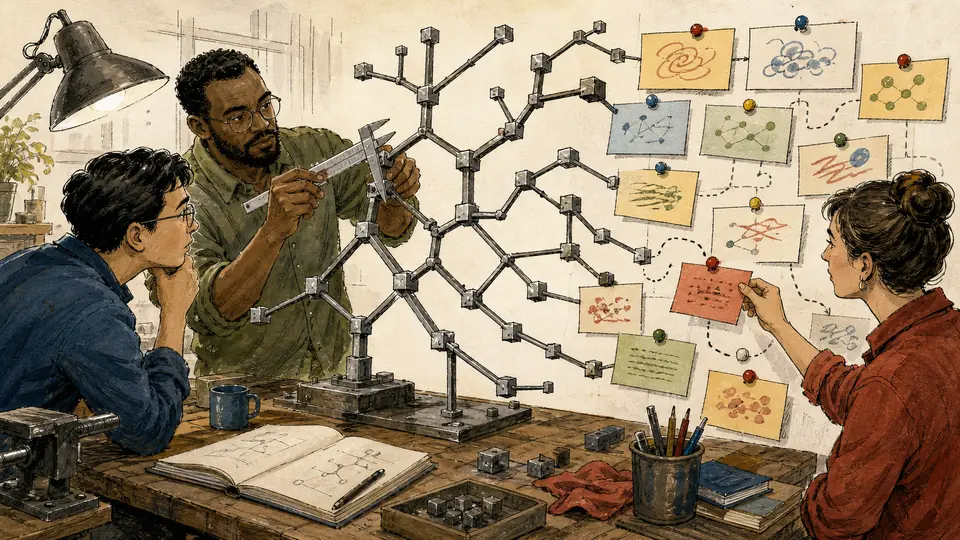
This is not an argument against model-written summaries. It is an argument for using the source coordinates the graph already carries. If a node says a worker “guarantees delivery,” the next action is not to copy that sentence into the onboarding guide. Open the cited file, follow its error path, find the test that exercises retry, and check the queue configuration. The graph has succeeded when it reduces the search space.
Failure modes inside a successful-looking graph
The most important finding is buried in the operating contract rather than the homepage. The current understand skill performs deterministic validation by default. A full model-based graph review is an explicit --review path. The workflow also describes bounded retries and a recovery policy that may save partial results or retain a graph with warnings while skipping automatic dashboard launch.
That behavior is reasonable for a discovery tool. Losing an hour of partial analysis because one batch failed would be frustrating. It also invalidates a tempting acceptance test:
test -f .ua/knowledge-graph.json && echo "done"
“The file exists” proves only that something was saved. It does not prove that all intended files were scanned, all analyzer batches completed, every edge resolves, each file-level node belongs to a layer, the tour references valid nodes, or the semantic interpretation received a second review.
The useful acceptance receipt is a small bundle:
- The graph records the expected Git commit.
- The run summary names analyzed, skipped, and failed files or phases.
- Deterministic validation passed without unresolved critical issues.
- High-consequence semantic claims were opened at their source locations.
--reviewwas used when the graph will become shared onboarding material rather than a private navigation aid.
The inspected contract probe checked 15 details across the README, skill, graph types, update hook, installer, and live repository metadata. All 15 passed. One check was deliberately negative: there is no portable five-to-ten-minute duration promise in the current skill contract. The README warns that an initial run on a large repository can consume significant tokens. Runtime depends on repository size, languages, ignored files, model service, and review mode. A fixed duration copied into an evergreen article would be theatre.
Freshness is state, not a timestamp in the corner
New projects now use .ua/knowledge-graph.json. Projects that already have the legacy .understand-anything/ directory keep it. That migration detail matters because a team can otherwise generate two maps in different directories and review the wrong one.
The graph includes an analyzed commit, but incremental operation depends on more than that field. The current auto-update hook also uses metadata and structural fingerprints to classify changes. It contains explicit guards against replacing a populated fingerprint store with an empty or batch-only dictionary. The warning exists because a corrupt baseline makes later changes look new, pushes the system toward repeated full updates, or leaves the operator with misleading freshness.
If the graph is committed for a team, review it like a generated build artifact:
| Evidence | Question it answers | Failure to reject |
|---|---|---|
| Graph project commit | Which code revision does this map describe? | A graph generated before the branch being reviewed |
| Run summary and warnings | What was skipped, retried, or saved partially? | A clean-looking dashboard backed by incomplete batches |
meta.json and fingerprints |
Can the next incremental run classify changes safely? | A current graph paired with a broken update baseline |
| Graph diff | Did the map change in proportion to the code? | Large unexplained semantic churn or missing structural change |
| Source spot checks | Do important summaries survive contact with code and tests? | Operational guarantees inferred from names or happy paths |
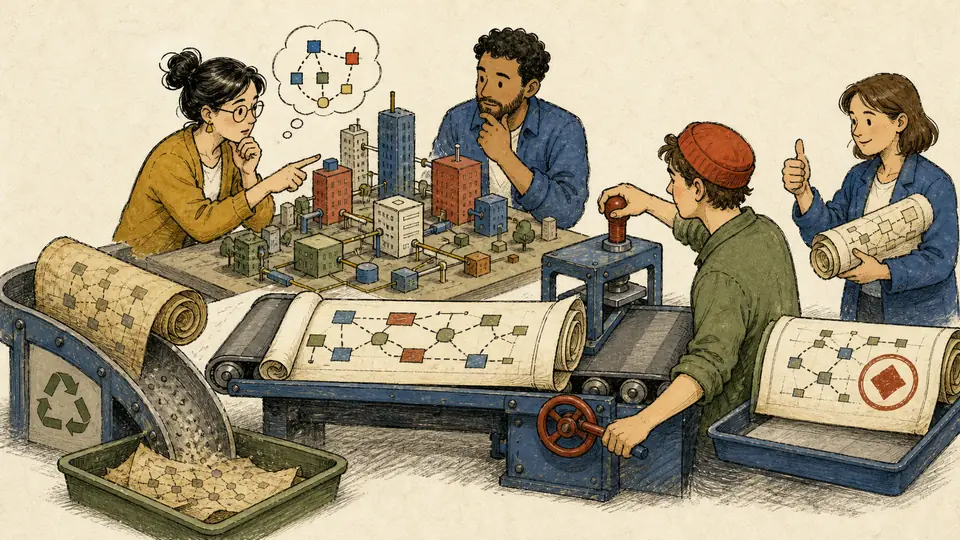
Automatic updates are opt-in. The main command accepts --auto-update and stores that preference in project configuration. That is a good boundary: a repository should not acquire a commit hook by surprise. It also means a stale graph is expected if nobody enabled or ran the update path. Put the rule in the repository's contribution process rather than relying on memory.
Installing the capability without a mutable pipe
The project documents a one-line installer for OpenClaw, Codex, and other platforms. The current script clones or fast-forwards a checkout and creates environment-specific skill links. For OpenClaw it links the skill folder under ~/.openclaw/skills. For Codex it installs per-skill links and the documented invocation is $understand, not a slash command.
A mutable main-branch script piped directly into a shell is convenient, but it combines download, trust, and execution in one gesture. On a developer workstation or build host, separate them:
curl -fsSLO \
  https://raw.githubusercontent.com/Egonex-AI/Understand-Anything/6ae71878beb50226a1e4b7e2f52ac6468c86f74b/install.sh

less install.sh
bash install.sh openclaw
Pinning the installer makes the reviewed script immutable. The script still obtains the project checkout according to its own current contract, so record the resulting repository commit as part of the installation receipt. For stricter environments, vendor the reviewed checkout or reproduce its symlink operations under the organization's normal dependency process. Do not invent a special OpenClaw command that the project does not document; after installation, ask the active agent to use the installed understand skill on the target repository.
Claude Code has the project's native plugin path:
/plugin marketplace add Egonex-AI/Understand-Anything
/plugin install understand-anything
Then run /understand in the repository, or add --review when the output is meant to become shared guidance. The initial run may be expensive. Start with an explicit ignore file and a representative repository boundary. Generated code, vendored dependencies, fixtures, and large snapshots can add cost while making the visual map less useful.
Validation: the shortest useful evaluation is adversarial
A polished demo repository rewards graph density. A production evaluation should reward correct restraint. Choose one service whose maintainers know the awkward parts: a retry loop with ambiguous completion, a dependency resolved at runtime, an authorization check split between middleware and a handler, or a feature flag that changes ownership.
Generate the graph at a recorded commit. Before looking at the dashboard, write down five questions with known answers:
- Which component owns the state transition?
- Where is authorization actually enforced?
- What happens after the external call times out?
- Which tests prove the recovery path?
- What code path is deliberately absent from the static import graph?
Now use the map to answer them. Score navigation and explanation separately. A graph can navigate to the correct files while giving a weak account of the failure mode; that is still useful. A fluent answer with no route back to source is the more dangerous result.
Make one structural change and one cosmetic change, commit both on a test branch, and run the incremental path. The structural change should alter the graph. The cosmetic change should not cause broad semantic churn. Inspect the graph diff and the update summary. Finally, ask a maintainer to follow one guided tour without coaching. Note where the tour omits a prerequisite or assigns ownership too confidently.
This pilot does not need a universal benchmark. It needs an admission rule. For example:
- At least four of five known-answer questions reach the correct source area.
- No high-consequence answer is accepted without a source location and manual check.
- The incremental run tracks the structural change without rewriting unrelated regions.
- Warnings and skipped work are visible in the stored receipt.
- The cost is lower than maintaining the equivalent map manually for this team.
Where the tool earns its keep
Understand Anything is a strong fit for unfamiliar, multi-language repositories where the first problem is orientation. It can expose clusters, entry points, dependencies, and candidate reading order faster than directory browsing. It is also useful as a review prompt: “Why did this layer move?” is a better question than “Did anything change?”
It is a weaker fit when the repository is small, the architecture is already explicit, or the team would not maintain the freshness receipt. It should not be the authority for security boundaries, transaction guarantees, compliance claims, or incident reconstruction. Those require code, tests, configuration, runtime evidence, and accountable owners.
The decisive distinction is not human documentation versus generated documentation. Both can be stale. The distinction is whether a claim has a route back to evidence and whether the team can tell which revision the claim describes.
The practical verdict is therefore conditional. Install the tool if it shortens discovery. Commit its output if review and update state travel with it. Use its semantic layer to form questions, not to close them. An Understand Anything knowledge graph is at its best when it makes the next source file obvious—and when everyone remembers that the map is not the territory.